iDEAL
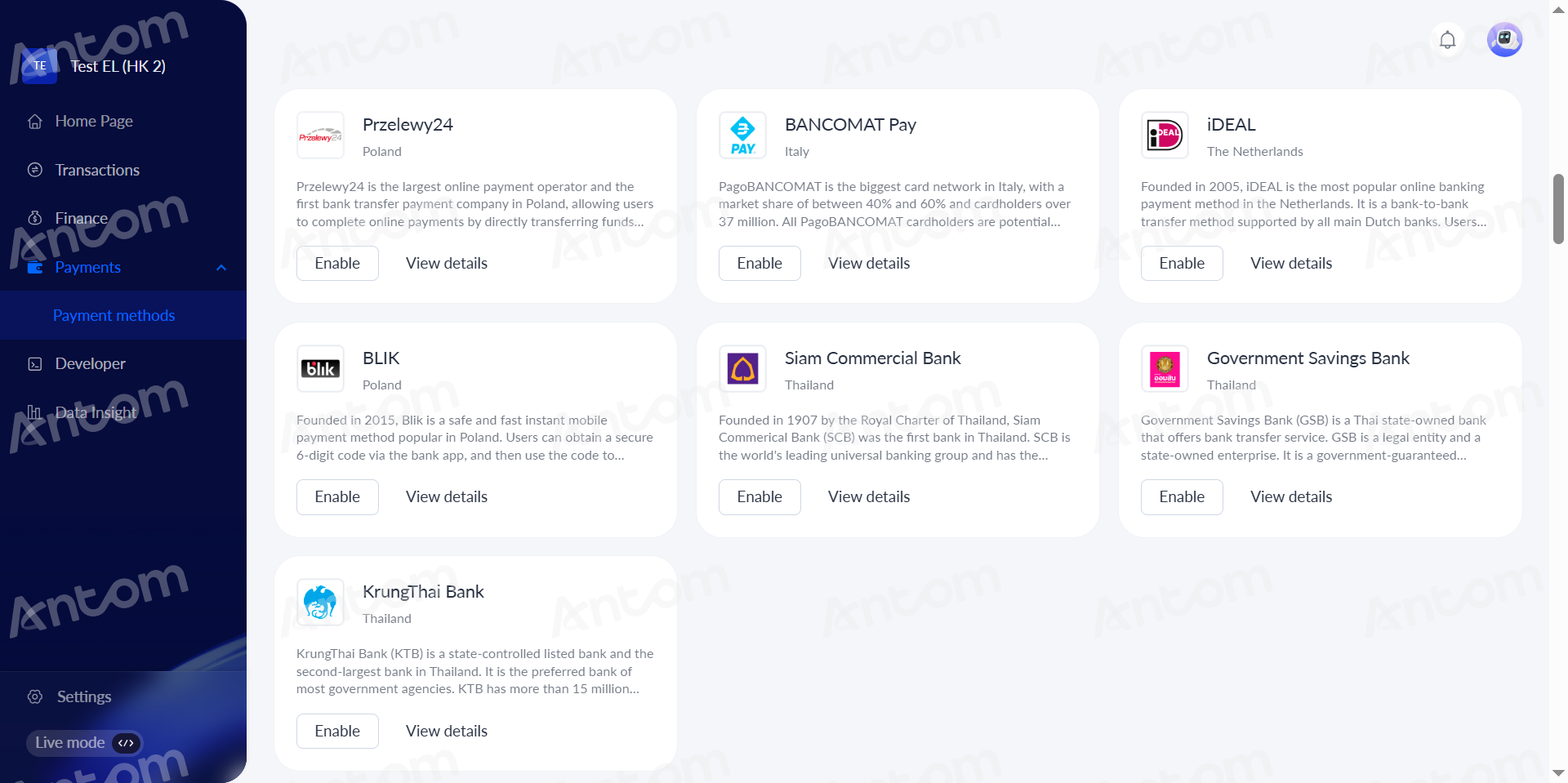
- Select iDEAL and click Enable on the Payment method management page.
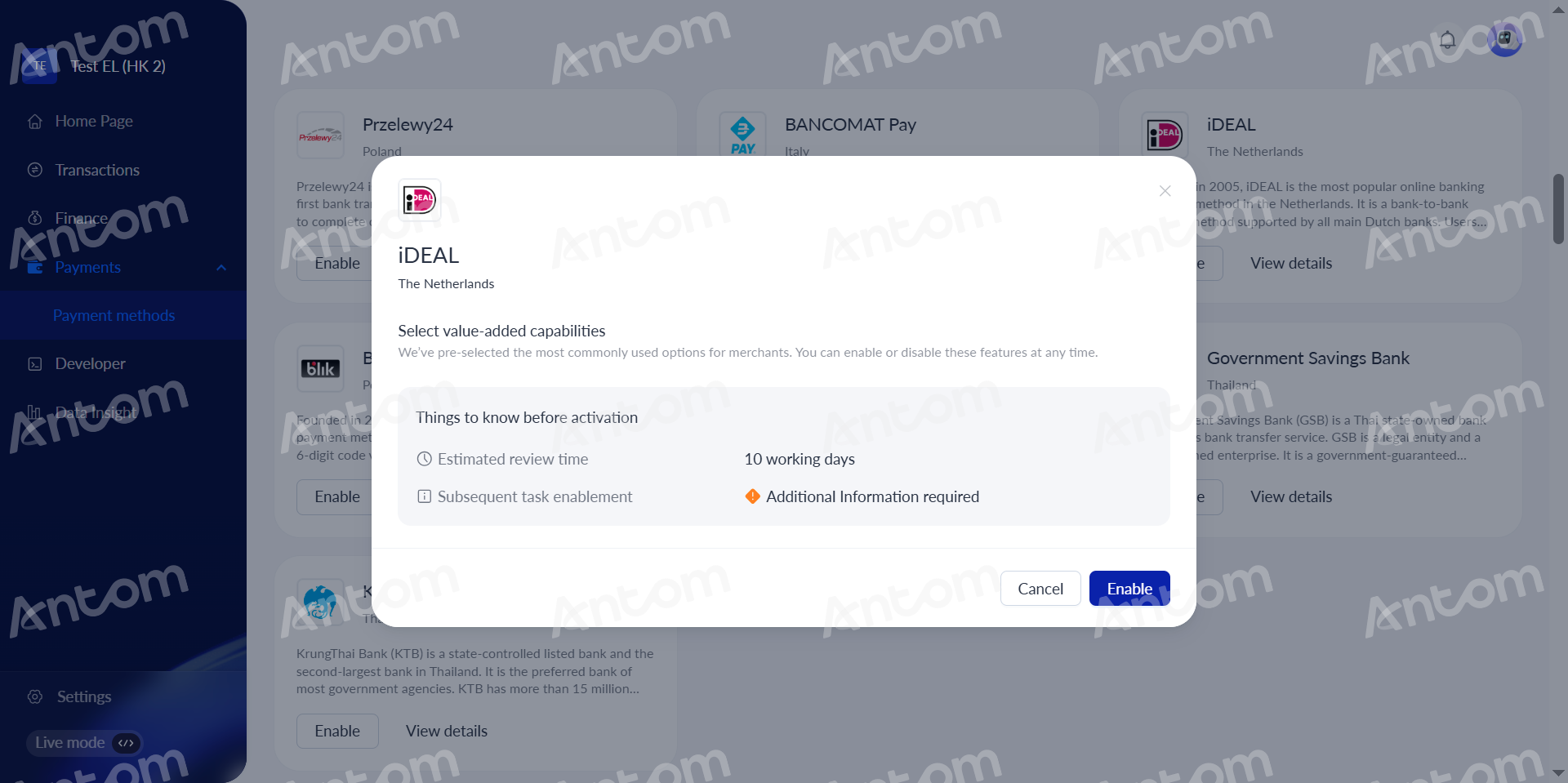
- Click Enable in the pop-up window, you will be redirected to the iDEAL activation page to fill in the additional information.
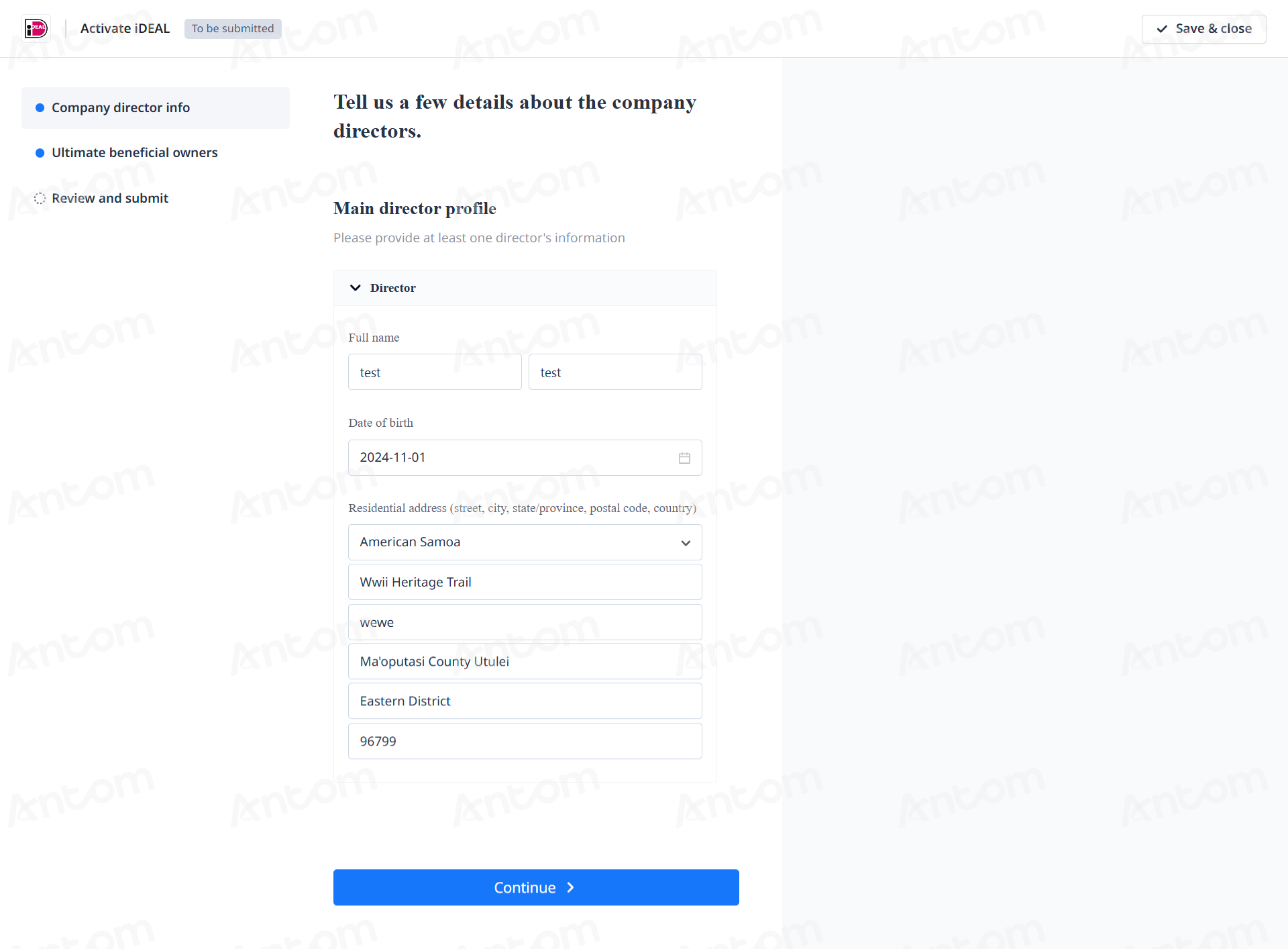
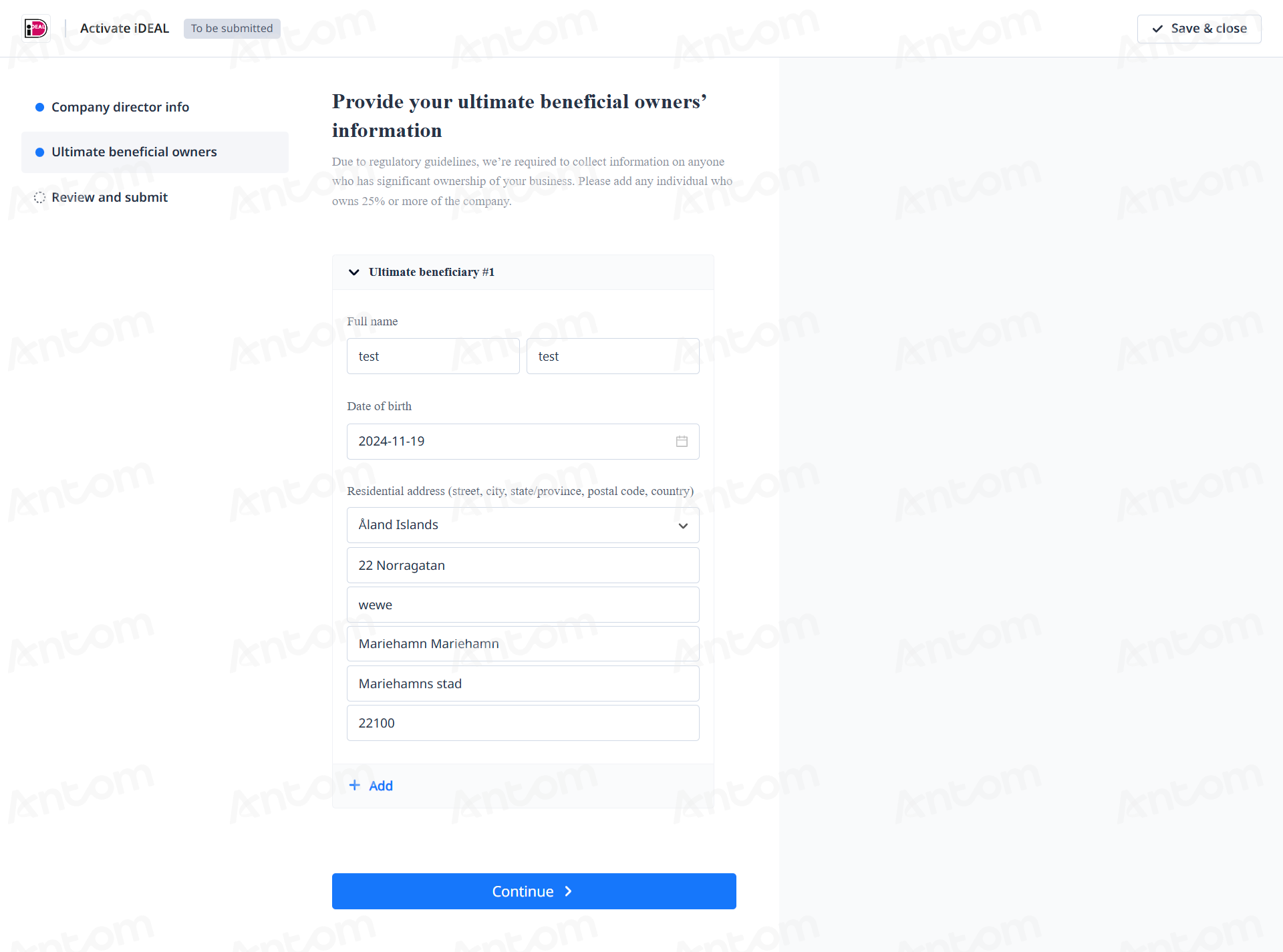
- Input Company director info and Ultimate beneficial owners, and click Continue to enter the Summary page.
|
|
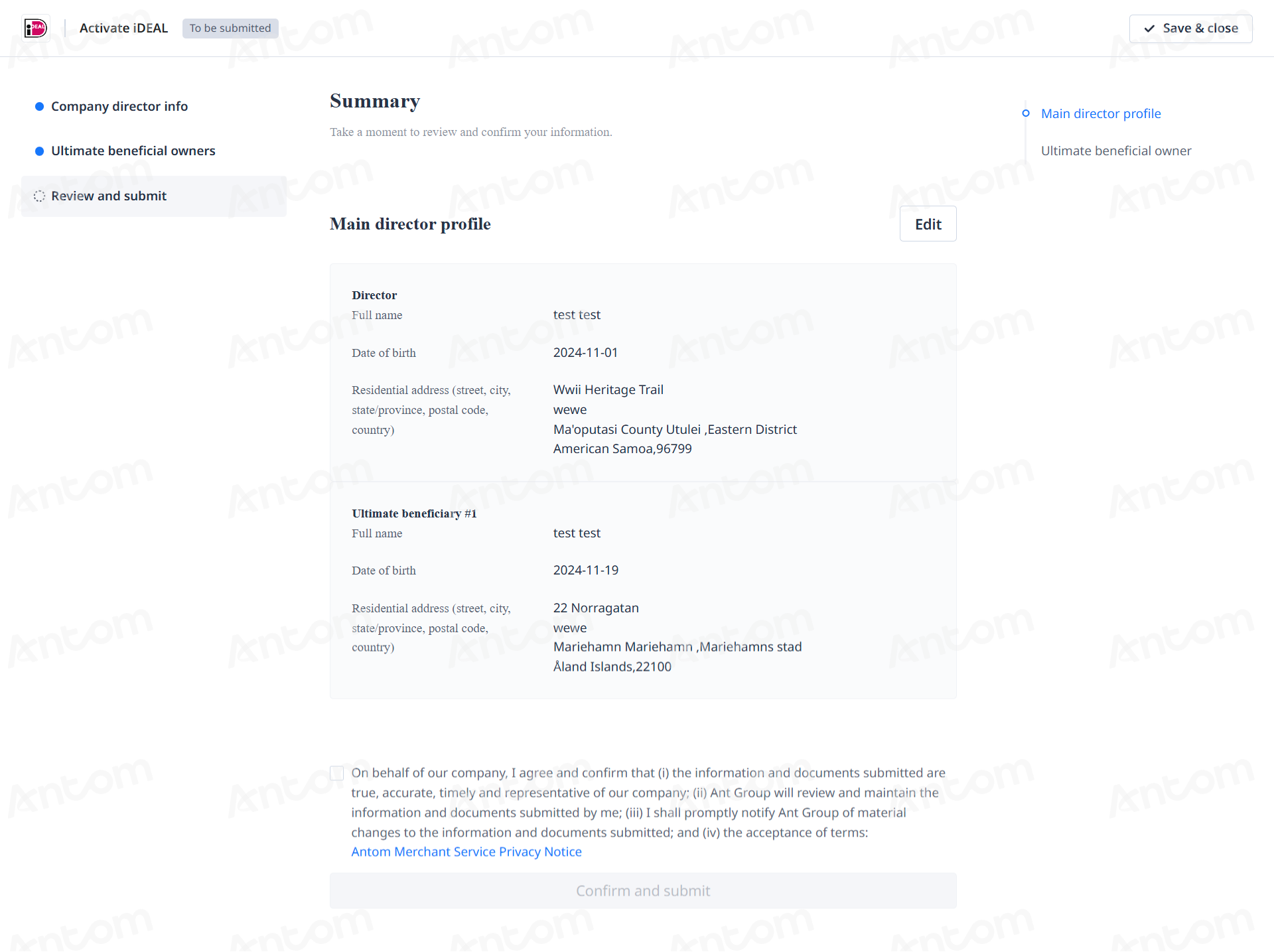
- Review the required fields on the Summary page to ensure all information is accurate. Check the consent box and click Confirm and submit to proceed with the submission process.